Wedding photo sharing is the plan for the second set. Where those photos land, how guests get them there without a group text chain, and whether you can still download them a year from now.
The tools all promise the same thing. What separates them is the part you notice afterward: what happened to your file sizes, how long the gallery stayed up, and who else scanned their way in.
Shared Folder or a Tool Built for This

You can do this with a folder you already have. A shared Google Drive or an iCloud album costs nothing, and for a short guest list of people comfortable with cloud storage, that’s often the end of the conversation.
The catch shows up later. You’ll be sorting compressed files by hand, and there’s nothing to put on a screen during the reception.
You start getting your money’s worth from a paid tool when your guest list is split between iPhone and Android and you’d rather not write two sets of instructions. Same when you want video without length caps, or full-resolution downloads in one click instead of fielding upload questions at Sunday brunch.
Whichever way you go, ask the same things. How long does the gallery stay live before the link dies? And does the platform take video, or only stills? Free tiers tend to be photos-only on a short retention clock, which is fine for collecting and useless for keeping.
Cut the Friction Between the Sign and the Upload
Your guest is standing up, holding a drink, in bad light, somewhere near the end of the evening. They will do this once. Design for that person and nobody else.
What works is a QR code that opens the gallery straight in the phone’s browser, with no account to create. Nobody invents a password at the bar. It also has to behave identically on iPhone and Android, with no extra step for either camp.
Browser-first tools like SnapSpot run it this way. Guests scan the code, the gallery opens in whatever browser is already on the phone, and photos and video go up without anyone signing into anything.
The thirty-second test is counting taps. Scan your own code and count every press between opening the camera and a submitted photo. Fewer presses, more photos.
Then there’s the app-first trap. An app looks polished in a demo. For your guests it’s one more wall to get over. Someone forgot their App Store password. Someone else has no storage left. A third person is at 3% and rationing. Ask for a download and you’ll still be chasing photos three months later.
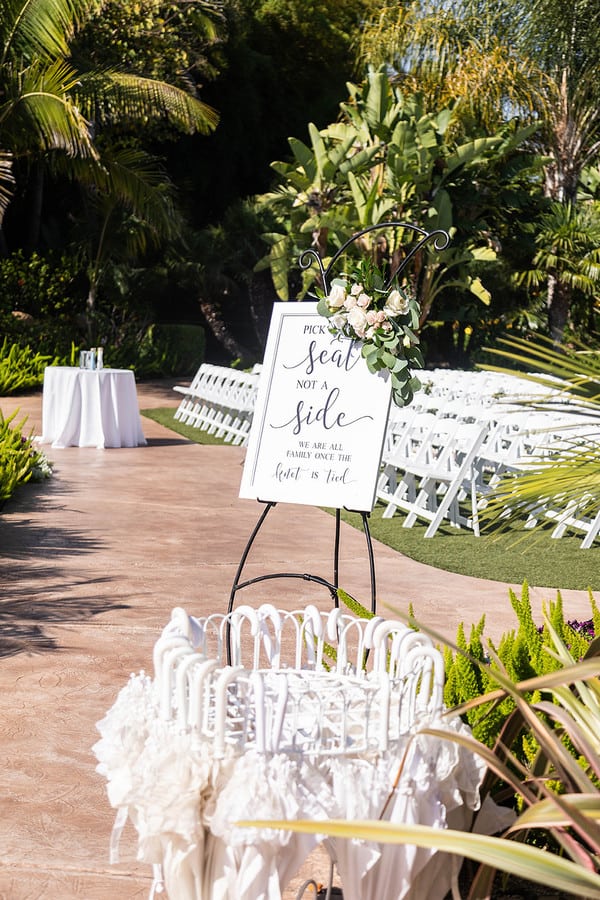
Keep the wording on your signs to one sentence: “Scan to upload your photos and videos to the newlyweds.” No rhyming.
What the Platform Does to Your Files

Unlimited uploads is a storage promise. It says nothing about quality, and both get printed on the same sales page.
Plenty of platforms compress whatever they receive. You find out months later, opening the video of your first dance and finding it looks like it was shot through a screen door.
Before you commit, get clear on:
- Whether the original file survives. “HD” often means slightly less compressed, not untouched.
- How long a single clip can run. Speeches go on, and a fifteen-second ceiling rules out most of what you’d want to keep.
- Which file types it takes. iPhones shoot HEIC and HEIF, and the platform should swallow those without asking your aunt to convert anything, alongside MOV and MP4.
Run the test yourself a few weeks out. Upload one HEIC photo and a two-minute video from your own phone, download them both to a computer, and compare the file sizes. Five minutes, question settled.
If it does compress, the platform still works as a collection point. Just download everything the same week and back up the raw files somewhere you control.
You’re not doing this for a nice grid to scroll next Tuesday. You’re doing it for files you can print, bind, and rewatch on an anniversary.
When the Venue Signal Gives Out

Barns. Basements. Converted mills. Anywhere with thick stone walls and a charming absence of infrastructure.
The signal that behaved on your site visit behaves differently once the room is full and everyone pushes video through it at the same moment. Look for a platform that handles this:
- Offline-first uploading, which saves the file locally in the browser and syncs when the signal returns.
- Upload queueing, which retries a failed file instead of dropping it quietly.
The rest is yours to arrange. Ask your coordinator where the dead zones are, and whether the guest Wi-Fi hides behind a login splash page. A splash page adds steps, and steps cost you photos. Work it into your reception checklist with the other day-of logistics.
If you’re projecting a live feed during dinner, keep it to stills. Streaming 4K clips down the same connection your guests are uploading through will strangle both.
Push the heavy video to the morning after. Tell guests to film whatever they want, then send one text the next day: “Dance floor videos welcome, drop them in the album here.”
Put the QR Codes Where Guests Already Stop

Put the codes where guests are already standing still with a phone in their hand. A sign passed on the way to somewhere else does not get read.
- The bar, where people queue with nothing to do.
- The dinner tables, which is the baseline placement.
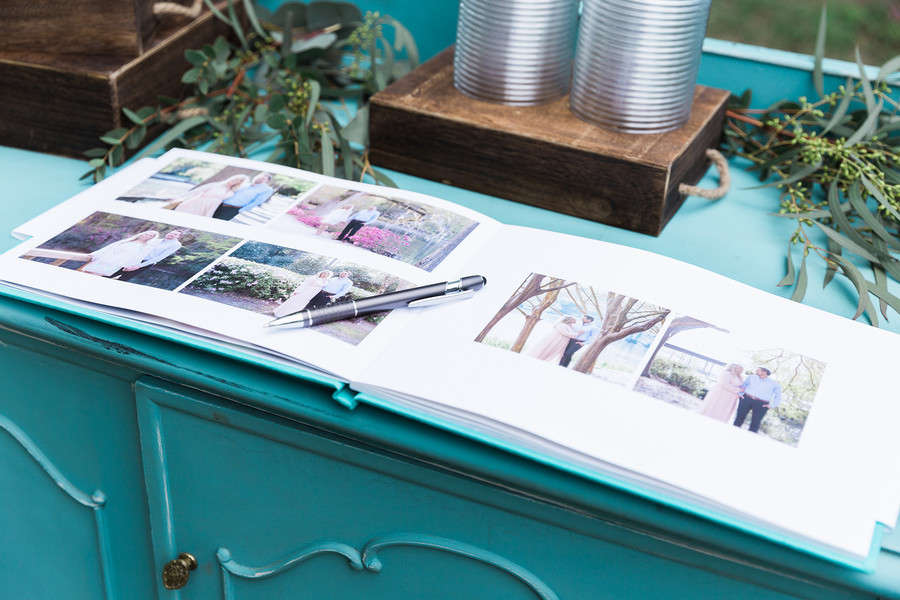
- The guest book or gift table, busy early while everyone is still fresh. If you’re already building a guest book table, the code slots into the same display.
- The dessert station, since phones come out for cake anyway.
- The restroom mirror, which catches people during a quiet minute.
Design the cards to match the rest of your paper. We’ve put together a full signage checklist covering every sign a wedding needs and where each one belongs, and the same rules govern your welcome sign: short text, big enough to read from a step away.
Prompt guests twice and stop. One announcement from your MC after dinner, before the dancing starts. One link in the thank-you text the next morning. More than that reads as nagging. Our walkthrough of collecting photos with QR codes goes deeper on the setup if you want the long version.
Who Else Can Scan Your QR Code?
A QR code is a public link printed on nice cardstock. If your venue shares a lobby or a courtyard or a bar with a hotel, anyone walking past can scan it and let themselves in.
The controls worth having:
- A PIN or password on the gallery itself.
- Name capture, so every upload has a person attached to it.
- Approval for anyone new who joins.
- Separate view and upload permissions, so guests can contribute without browsing everything everyone else has added.
- Link regeneration, so a leaked code can be killed and reprinted.
Placement does as much work as the settings. Keep the signs inside your own event spaces. Nothing large by a street-facing window, a public entrance, or a shared restroom.
A short line on the card helps: “Please keep this link to our guests.” It costs you nothing to ask.
If you think the link has got out mid-reception, swap it in the dashboard, put out the new code, and have your DJ mention it once.
Someone Has to Watch the Live Photo Wall
Left unfiltered, a live photo wall is an open mic for everyone’s camera roll. You get the same table shot over and over, and at some point somebody’s accidental pocket photo blown up across the room.
What makes it safe to run is an approval queue that holds uploads until someone clears them, dashboard controls that pull a photo down from a phone in seconds, and a buffer of two or three minutes so nothing reaches the screen unreviewed.
Then hand the job to a person. A sibling, a bridesmaid, or your planner watches the queue through dinner and the first hour of dancing. Not you.
Set the defaults conservatively: stills only during dinner, and no autoplaying guest video unless your moderator has watched it first.
Give your MC one line for it: “Scan the code on your table to get your photos on the screen. They go through a quick review first, so keep it decent.”
Sorting the Weekend Into Separate Albums
Rehearsal dinner. Ceremony. Reception. After-party. Sunday brunch.
Different nights, different moods, and one undifferentiated heap of files if you don’t split them at the source. Hunting for a single toast photo through everything that came off the dance floor is a bad afternoon.
If your platform supports several codes, assign one per event. If it gives you only one, keep the ceremony and the reception apart at minimum and lean on tags or captions for the rest.
When you export to a cloud drive, name the folders by date and moment: 2026-09-14 Reception. It takes a second now and saves you a lot of scrolling later.
Phones Down for the Vows
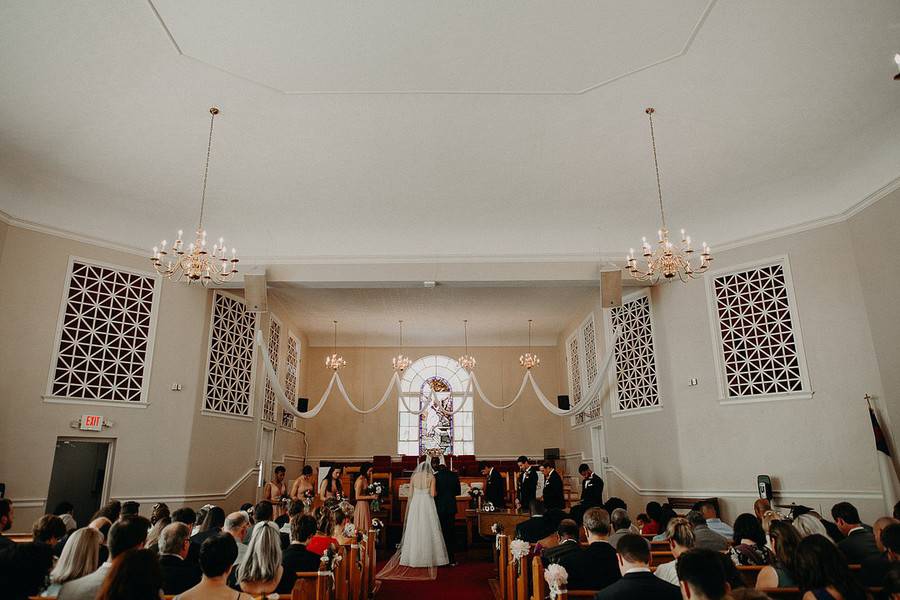
You want the guest footage. You also want an aisle shot without a wall of raised phones in it. Those two pull against each other for about twenty minutes, and then never again.
Pick one policy and say it out loud:
- Fully unplugged. No phones until cocktail hour.
- Unplugged through the vows, with a short window before the recessional.
- Reception only. Guest photos start when the party does.
Back it up with placement. Keep the QR signage at the reception tables, the bar, and the guest book station, and away from the ceremony seats. A code in the aisle is an invitation to pull out a phone.
Talk to your photographer first. Ask what they want from guests during the vows and the speeches, and check whether their contract says anything about guest interference. Our wedding photo checklist covers the shots worth confirming they’re getting, which makes it easier to see where guest coverage adds something and where it just adds phones.
Put the rule on your welcome sign in plain language: “Phones away for the ceremony, please. Photos very welcome at cocktail hour and after.”
Get Everything Off the Platform Before the Clock Runs Out
Guest galleries don’t stay online forever. Retention is tied to whichever plan you bought, and the cheaper tiers measure it in days.
Download inside the first week. Pull the full-resolution ZIP for every album, and export the video separately if the platform packages it differently.
Then keep two copies. One in cloud storage, one on an external drive. A laptop desktop counts as neither.
Sort it while it’s fresh. Make a favorites folder on the first pass, before the names and faces blur together. You’ll turn up things nobody mentioned: the shot from the back of the room, the twenty seconds of your dad during the speech.
Then print something. A small book of guest photos sits well beside the formal album, and grandparents would rather hold four prints than open a link. Your after-the-wedding checklist has the remaining loose ends, including the thank-you cards you can tuck a photo into.
The Second Set
None of this takes long. You pick a platform in an afternoon, print the codes with the rest of your paper, and hand the moderating to someone who isn’t you.
Then you forget about it entirely, which is the point.
The payoff comes a week later, with a coffee and a folder full of a night you were far too busy to see properly the first time.
Frequently Asked Questions
A few things couples ask us once the gallery is set up and the signs are ordered.
What Is the Easiest Way to Collect Wedding Photos From Guests?
A QR code that opens straight in a phone browser, with no app and no account behind it. Print it for the bar, the dinner tables, and the guest book station. Have your MC mention it once after dinner, then text the link the next morning to catch whatever came in late.
Are Wedding Photo Sharing Platforms Worth It if You Already Have a Photographer?
They do different jobs. Your photographer gets the portraits, the ceremony, and everything that needs proper light.
Guests get the reception from the inside. The table your photographer wasn’t standing at. The speech filmed from the third row. The last forty minutes on the dance floor, after the contracted hours ran out.
If you only want a handful of extras, a group chat and some patience will do it. If you want the whole night from every angle, the gallery is worth the setup.
How Do You Keep a Wedding Photo QR Code Private?
Keep the printed codes inside your event spaces, away from public lobbies, shared restrooms, and street-facing windows. Turn on whatever access control the platform offers, whether that’s a PIN, a password, or name capture before upload. If the link gets out anyway, regenerate it from the dashboard and put the new code on the tables.
Can You Have an Unplugged Ceremony and Still Collect Guest Photos?
Yes. You start the guest photography at cocktail hour instead of at the aisle.
State the rule on your welcome sign and in the program, keep the QR codes well away from the ceremony seats, and put them everywhere once the reception starts. Your photographer gets clean vows footage, and you still get the party from every angle.
What About Guests Without Smartphones or With Dead Batteries?
Some guests won’t upload anything, and that’s normal. A charging station near the bar handles most of the battery problem.
For everyone else, leave the gallery open for a few weeks after the wedding and include the link in your thank-you notes. Anyone who wants to add something later can do it from a laptop at their own pace.